
Create, Draw & Edit with Sumo Paint
Powerful Browser-Based Drawing & Image Editor
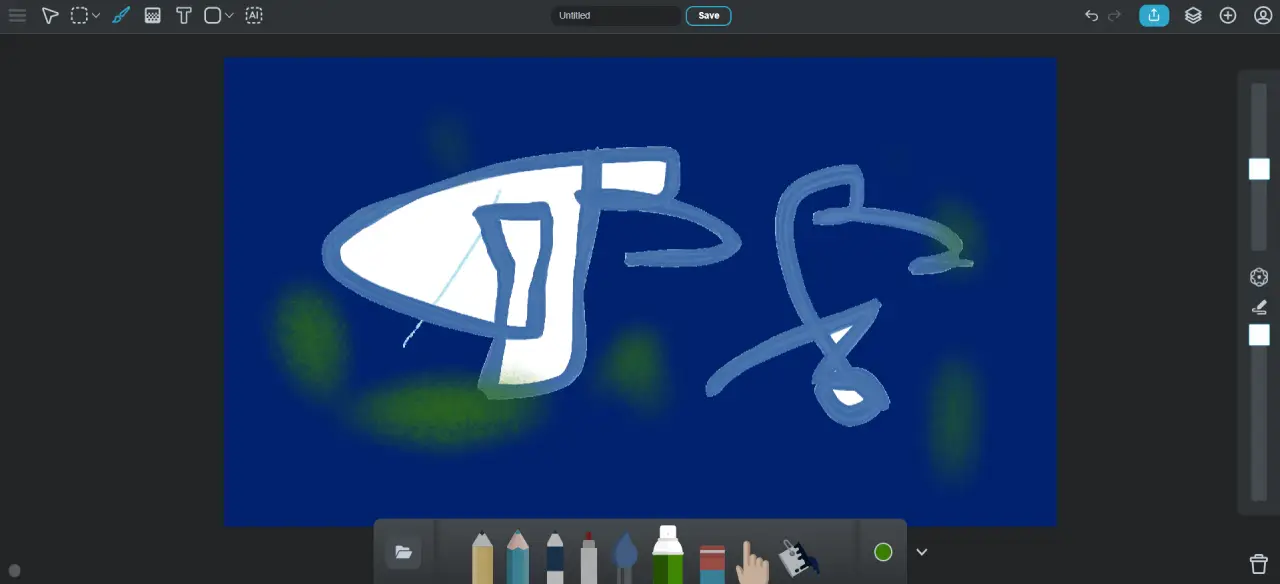
Sumo Paint is a powerful online drawing and image editing tool that works directly in your browser. Designed for artists, designers, and casual users, it offers a complete creative environment without needing to install any software.
With over 300 brushes, advanced layer support, filters, and professional-grade tools, Sumo Paint delivers a Photoshop-like experience online. Whether you're sketching, painting, or editing images, it provides everything you need to bring your ideas to life.
Key Highlights
Core Features of Sumo Paint
Advanced Brush Library
Access over 300 brushes for painting, sketching, shading, and creative artwork.
Layer-Based Editing
Use layers to organize your work, apply blending modes, and create complex designs with ease.
Filters & Effects
Enhance images with filters such as blur, sharpen, color adjustments, and artistic effects.
Image Adjustment Tools
Modify brightness, contrast, color balance, and more for precise editing control.
Text & Shapes
Add text elements, shapes, and symbols to create posters, graphics, and designs.
File Support
Work with popular formats like JPEG, PNG, and GIF, and save your projects easily.
Why Choose Sumo Paint?
Photoshop-Like Experience Online
Sumo Paint offers advanced tools similar to desktop software, making it a strong alternative to traditional image editors.
Perfect for Digital Art
With hundreds of brushes and drawing tools, it is ideal for creating illustrations, sketches, and digital paintings.
Accessible Anywhere
Work on your projects from any device with internet access—no downloads required.
Creative Flexibility
Combine images, apply filters, add text, and experiment with effects to create unique designs.
Popular Use Cases
Digital Painting
Create detailed artwork, illustrations, and concept designs using advanced brushes.
Photo Editing
Enhance and retouch images with filters, adjustments, and layering tools.
Graphic Design
Design posters, banners, and social media graphics with text and effects.
Learning & Practice
Used by students and beginners to learn digital art and image editing skills.
Who Is Sumo Paint For?
Artists & Illustrators
Perfect for creating digital paintings and detailed illustrations.
Designers
Useful for creating graphics, layouts, and visual content.
Students
A great tool for learning image editing and digital art techniques.
Casual Users
Ideal for anyone who wants to draw or edit images quickly online.
Benefits of Using Sumo Paint
No Installation Required
Run the tool directly in your browser without downloading software.
Professional Features
Access advanced tools comparable to desktop applications.
Creative Freedom
Experiment with brushes, layers, and effects to create unique designs.
Free to Start
Use core features for free with optional premium upgrades available.
How to Use Sumo Paint
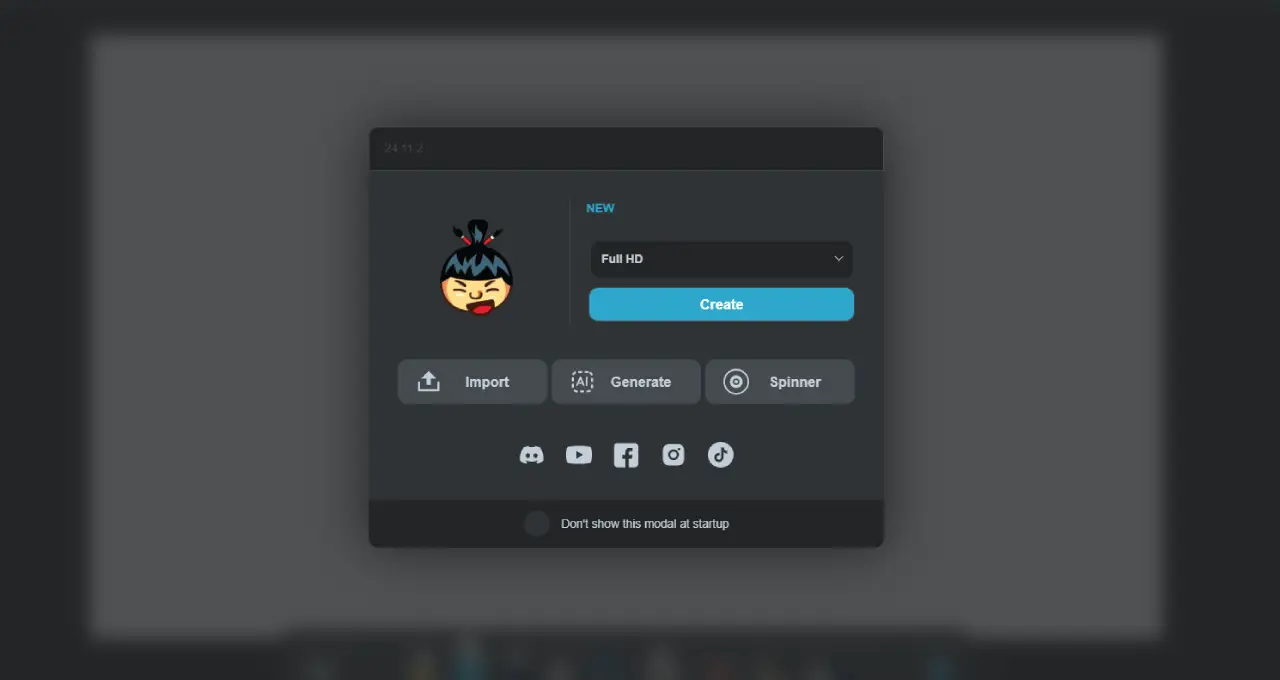
Open Sumo Paint in your browser.
Create a new canvas or upload an image.
Use brushes, layers, and tools to draw or edit.
Apply filters and effects to enhance your design.
Save or export your final image.
Start Creating with Sumo Paint
Draw, paint, and edit images directly in your browser with powerful tools and creative features.
Launch Sumo Paint