
Free Online Photoshop – Edit Photos in Your Browser
Use a free online Photoshop directly in your browser — no download, no installation, and no subscription required. Open PSD files, work with layers, remove backgrounds, and apply professional-grade edits just like in Adobe Photoshop.
This free Photoshop alternative runs entirely online and gives you the same familiar tools and interface as Photoshop. Edit photos, create designs, and export professional results — all for free, directly from your browser.
Works on desktop, tablet, and Chromebook. Start editing instantly without signing up or installing anything.
No signup required. Free Photoshop online — works in any modern browser.
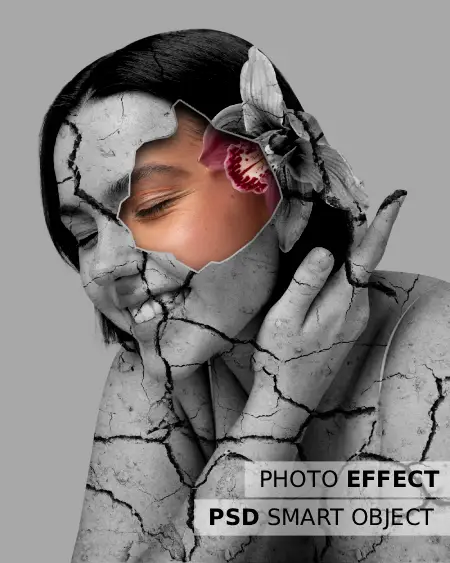
Photoshop Features — Free
- Layers, Masks & Blending Modes
- Open & Edit PSD Files
- Remove Background (AI)
- Healing Brush, Clone, Patch Tool
- Export as PSD / PNG / JPG / SVG
- No Adobe Subscription Needed
Photoshop Online — The Free Alternative That Works Like Photoshop
This free online Photoshop is powered by Photopea — a browser-based photo editor designed to look, feel, and work exactly like Adobe Photoshop that runs entirely in your browser. Work with layers, masks, smart objects, adjustment layers, and the complete set of Photoshop-compatible tools — without paying for an Adobe subscription.
Whether you are a designer, student, freelancer, or eCommerce seller, this free Photoshop online alternative gives you everything you need to create and edit professional images instantly on any device.
Try Free Online PhotoshopOpen & Edit PSD Files Online for Free
Open PSD files directly in your browser without installing Photoshop. View all layers, masks, and smart objects exactly as they were created — fully editable and ready to export.
Perfect for designers reviewing client files, editing templates, or making quick changes to existing Photoshop projects — all without any software installation.
Open PSD Online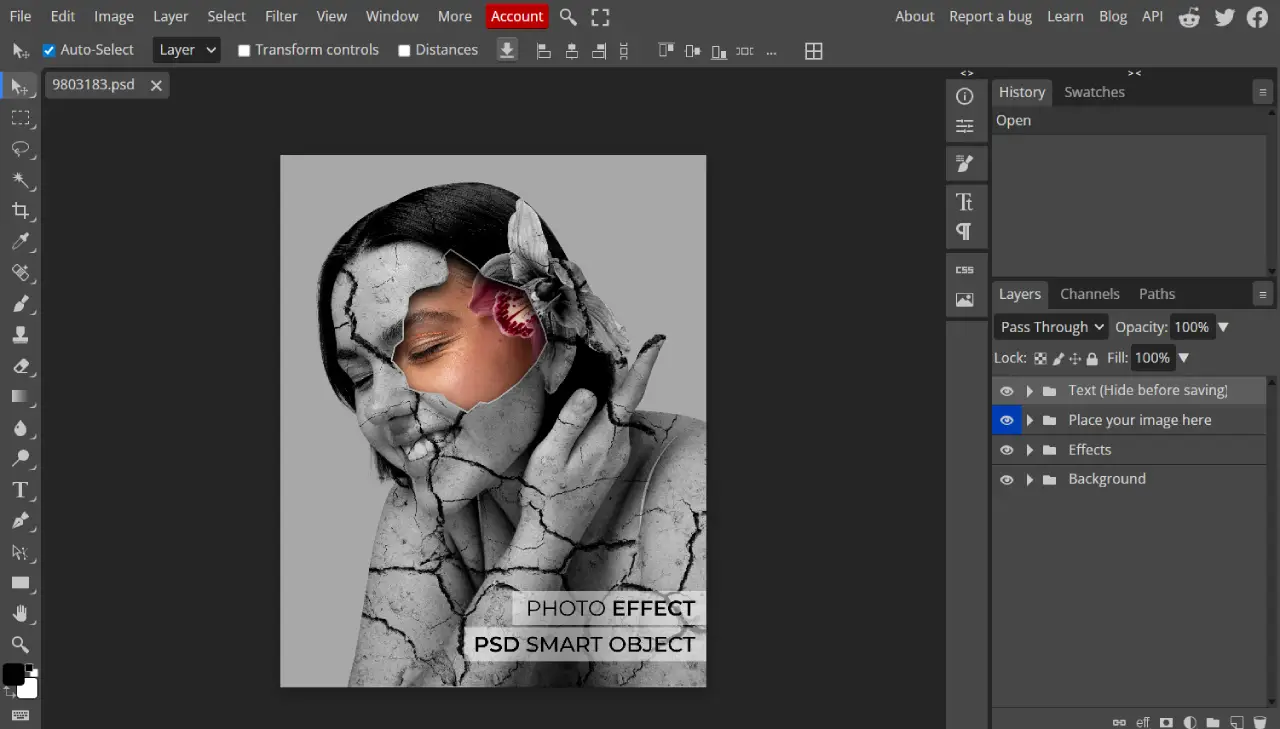

Work with Layers Like in Photoshop
Use a full layer-based editing system with support for layer groups, blending modes, opacity controls, clipping masks, and adjustment layers — just like Photoshop.
Create complex designs, composite images, and professional layouts with full layer control directly in your browser. No difference from Photoshop's layer workflow.
Try Layer EditingRemove Background Online — One Click
Remove image backgrounds instantly with a single click using smart AI-powered detection. Get clean, precise results for product photos, portraits, and social media content.
Replace removed backgrounds with solid colors, gradients, or custom images. Export as PNG with a transparent background — ready for any design project.
Remove Background Now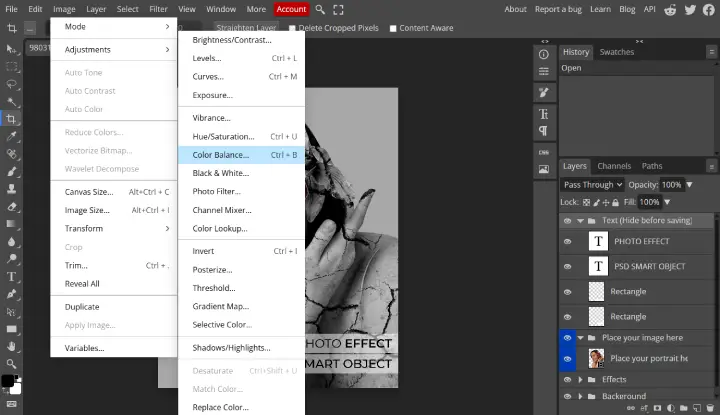
Edit Photos with Photoshop-Level Tools
Access the full set of professional photo editing tools including healing brush, clone stamp, patch tool, dodge and burn, curves, levels, liquify, and puppet warp.
Retouch portraits, fix exposure, enhance product photos, and apply color grading — everything available in Photoshop is available here for free in your browser.
Start Photo EditingDesign Graphics & Vectors Online
Create and edit vector graphics, logos, icons, and illustrations directly in the editor. Work with vector shapes, bezier curves, and text layers all in one place.
Export your designs as PSD, PNG, JPG, SVG, or PDF. Ideal for web design, social media graphics, and print-ready artwork created without any paid software.
Start Designing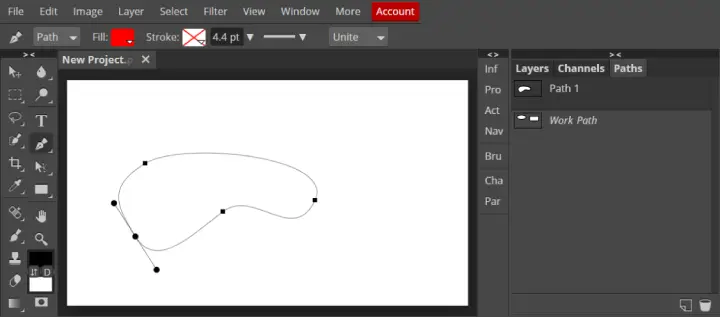
Free Photoshop for Chromebook & Any Device
No desktop software needed. This free online Photoshop works perfectly on Chromebook, Windows, Mac, Linux, and iPad — any device with a modern browser.
Since everything runs in the browser, you get the same full Photoshop experience on every device without needing to install anything or pay for a subscription.
Open on Your DeviceHow to Use Free Online Photoshop in 3 Steps
Start editing like Photoshop instantly — no download, no account, no cost.
01. Open Your File
Upload an image, drag and drop a PSD file, or start from a blank canvas directly in the online Photoshop editor.
02. Edit Like Photoshop
Use layers, masks, filters, brushes, and all professional tools — identical to the Photoshop interface you already know.
03. Export & Download
Save your work as PSD, PNG, JPG, SVG, or PDF and download instantly — no watermarks, no account required.
Free Online Photoshop Features — Everything You Need
A full Photoshop-compatible editor in your browser — layers, masks, filters, PSD support, and professional tools at no cost.
Open & Edit PSD Files Online
Open Photoshop PSD files directly in your browser with full layer support. Edit, modify, and export without installing Photoshop.
Layers, Masks & Smart Objects
Full Photoshop-compatible layer system including groups, masks, smart objects, clipping masks, and blending modes.
Remove Background Online
Remove image backgrounds with one click using AI-powered detection. Export with transparent PNG backgrounds instantly.
Photo Retouching Tools
Healing brush, clone stamp, patch tool, dodge, burn, and sharpen tools for professional-level photo retouching.
Filters & Adjustments
Gaussian blur, liquify, puppet warp, curves, levels, hue/saturation, and all standard Photoshop adjustment tools.
Vector & Shape Editing
Draw and edit vector shapes, bezier curves, logos, and icons — compatible with Photoshop's pen tool workflow.
Text & Typography Layers
Add and style text with custom fonts, sizes, colors, spacing, and effects. Fully editable text layers just like Photoshop.
AI-Powered Editing Tools
One-click background removal, AI fill, and content-aware tools for fast professional results without manual selection.
Export as PSD, PNG, JPG, SVG
Save and download your work in multiple formats including PSD, PNG, JPG, PDF, SVG, and GIF — no watermarks.
Photoshop-Identical Interface
The same toolbar, panels, and shortcuts as Adobe Photoshop. Zero learning curve if you already know Photoshop.
Works Without Installation
No download, no installation, no plugins. Runs entirely in Chrome, Firefox, Edge, and Safari on any operating system.
Free — No Subscription Needed
100% free to use with no hidden costs. No Adobe subscription or Creative Cloud account required.
Free Online Photoshop vs Adobe Photoshop
See why thousands choose free online Photoshop over a paid subscription.
| FEATURE | Free Online Photoshop FREE | Adobe Photoshop |
|---|---|---|
| Price | Free | $20–$55/month |
| Installation required | No | Yes |
| PSD file support | Yes | Yes |
| Layers & Masks | Yes | Yes |
| Works on Chromebook | Yes | No |
| Account required | No | Yes |
| AI background removal | Yes | Yes |
| Export PSD / PNG / JPG | Yes | Yes |
Free Photoshop Online — No Download, No Subscription
This free online Photoshop is the best alternative for users who need Photoshop-level editing without paying for Adobe's subscription. Open PSD files, edit layers, remove backgrounds, retouch photos, and design graphics — all for free in your browser. It works as a complete replacement for Adobe Photoshop for everyday design and photo editing tasks.
Whether you are looking for free Photoshop for students, a free Photoshop for Chromebook, or simply a fast photoshop online tool without registration, this editor gives you professional results without any cost or software install.
Why Use Our Free Online Photoshop?
Get the full Photoshop experience for free — in your browser, on any device, with no strings attached.
Photoshop Interface
Identical layout and tools to Adobe Photoshop. No new learning curve required.
Completely Free
No Adobe subscription, no hidden fees. Full Photoshop features at zero cost.
No Install Needed
Runs in any browser on any OS. No download or signup required.
PSD File Support
Open, edit, and export real Photoshop PSD files directly in your browser.
Frequently Asked Questions – Free Online Photoshop
Yes, this online Photoshop editor is completely free to use. There are no hidden fees, no subscriptions, and no Adobe account required.
Yes, you can open and edit Photoshop PSD files directly in your browser for free. All layers, masks, and smart objects are fully preserved and editable.
This is powered by Photopea, a Photoshop-compatible browser editor with the same interface, tools, and file format support as Adobe Photoshop — without the subscription cost.
No account is needed. You can start using the free online Photoshop instantly — just open the editor and start editing.
Yes. Since this free Photoshop runs entirely in your browser, it works perfectly on Chromebook, Windows, Mac, Linux, and iPad.
Yes. You can export and download your edited file as a PSD, PNG, JPG, SVG, or PDF — completely free and with no watermarks.
Your images are processed locally in your browser and are not uploaded to any server. Your files remain private and secure.
It works in all modern browsers including Google Chrome, Mozilla Firefox, Microsoft Edge, Opera, and Safari.
Start Using Free Online Photoshop Now
No download. No account. No subscription. Just open and edit.
Launch Free Photoshop