
Sketchpad Drawing Tool
Draw, create, and share digital artwork online with a powerful and easy-to-use drawing app
Sketchpad is a free online drawing application designed for users of all ages to create digital artwork easily. With a wide range of tools including brushes, shapes, text, and layers, it provides a complete creative environment directly in your browser.
Whether you want to sketch ideas, design illustrations, or create detailed artwork, Sketchpad offers powerful features like non-destructive editing, history tracking, and multiple export formats such as PNG, JPEG, SVG, and PDF.
Key Highlights of Sketchpad
Core Features of Sketchpad
16 Customizable Brushes
Choose from a variety of brushes with adjustable size, opacity, and effects for detailed artwork.
Layer-Based Editing
Work with layers and blend modes to create complex and professional designs.
Shapes & Drawing Tools
Add geometric shapes and design elements quickly using built-in tools.
Text Editor
Insert and customize text with fonts, colors, and styles for creative designs.
Clipart & Image Import
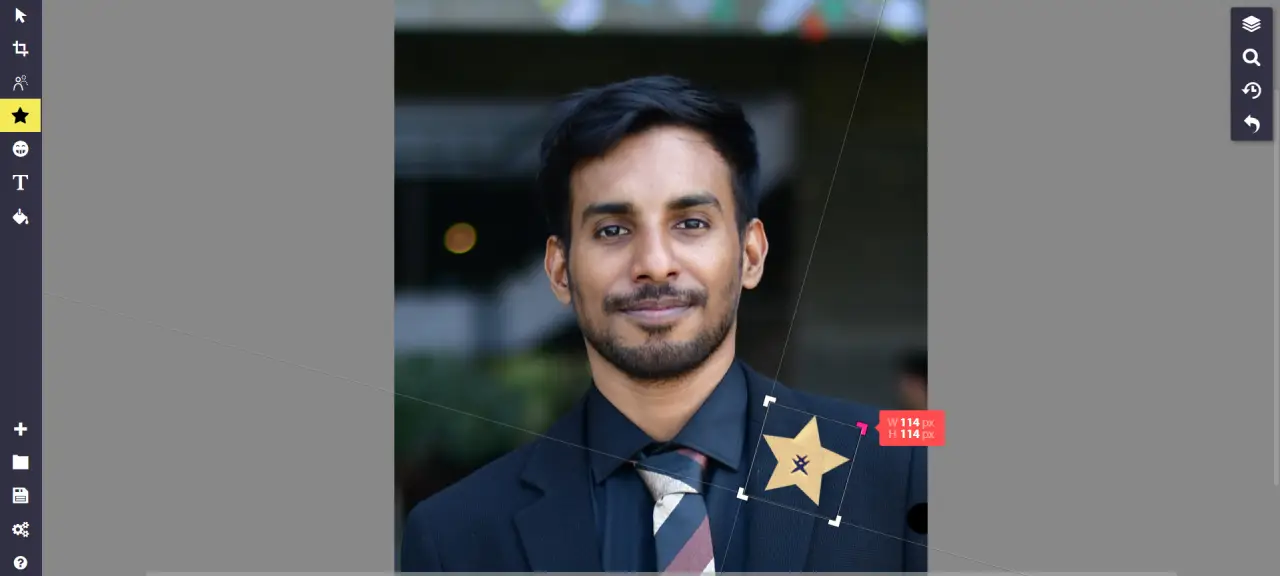
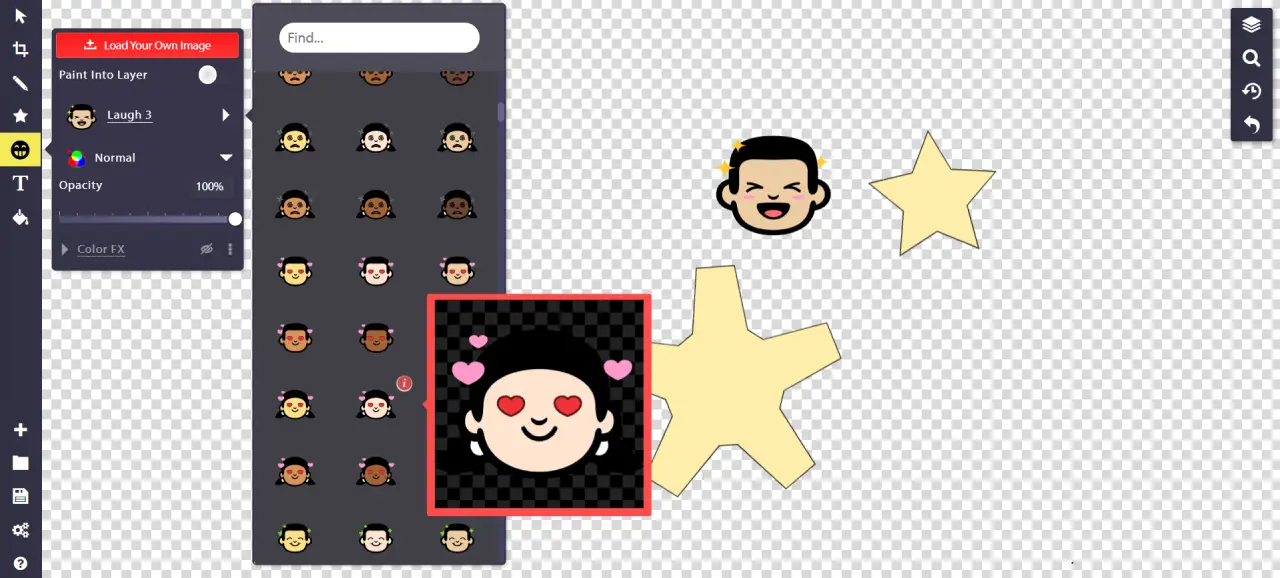
Upload images or use clipart elements with drag-and-drop functionality.
Select & Transform Tool
Easily move, resize, rotate, and edit objects on the canvas.
Colors & Gradients
Apply solid colors, gradients, and patterns for visually appealing artwork.
Blend Modes
Use blend modes to create advanced visual effects and layered compositions.
History & Undo System
Track your changes and easily undo or redo actions for better control.
Export to Multiple Formats
Download your artwork in PNG, JPEG, SVG, and PDF formats.
High-Quality Printing
Print your artwork in high-definition for professional results.
Non-Destructive Workflow
Edit without permanently altering original elements for flexible design.
Fast Performance
Smooth and responsive drawing experience even on low-end devices.
Cross-Device Support
Works on desktop, tablet, and mobile browsers seamlessly.
No Signup Required
Start drawing instantly without creating an account.
Why Choose Sketchpad?
Complete Drawing Toolkit
Sketchpad includes brushes, shapes, text, and advanced editing tools for all types of digital artwork.
Non-Destructive Editing
Edit your artwork without losing original elements, making it easy to refine designs anytime.
Beginner to Advanced Friendly
Simple interface for beginners with powerful tools for experienced artists.
No Installation Needed
Works directly in your browser, making it accessible anywhere on any device.
Popular Use Cases
Digital Illustration
Create detailed illustrations and artwork using brushes and layers.
Graphic Design
Design logos, posters, and creative visuals easily.
Sketching & Doodling
Quickly sketch ideas or create casual drawings online.
Educational Projects
Useful for students to create diagrams, drawings, and assignments.
Who Should Use Sketchpad?
Students
Great for school projects and learning digital drawing.
Beginners
Simple interface makes it easy to start drawing online.
Designers
Useful for quick designs and creative experiments.
Artists
Powerful tools support digital painting and illustration workflows.
Benefits of Using Sketchpad
Free to Use
Completely free online drawing tool with no hidden costs.
Easy to Access
Use anywhere with just a browser and internet connection.
Time-Saving
Quick tools and features speed up your creative workflow.
Flexible Export Options
Download your artwork in multiple formats for different uses.
How to Use Sketchpad
Open Sketchpad in your browser
Choose a brush or drawing tool
Create your artwork on the canvas
Use layers and effects to enhance your design
Export or share your finished work
Start Drawing with Sketchpad Now
Create, design, and share your artwork instantly with a free online drawing tool.
Launch Sketchpad