
Pixlr Editor – Free Online Photo Editing Tool
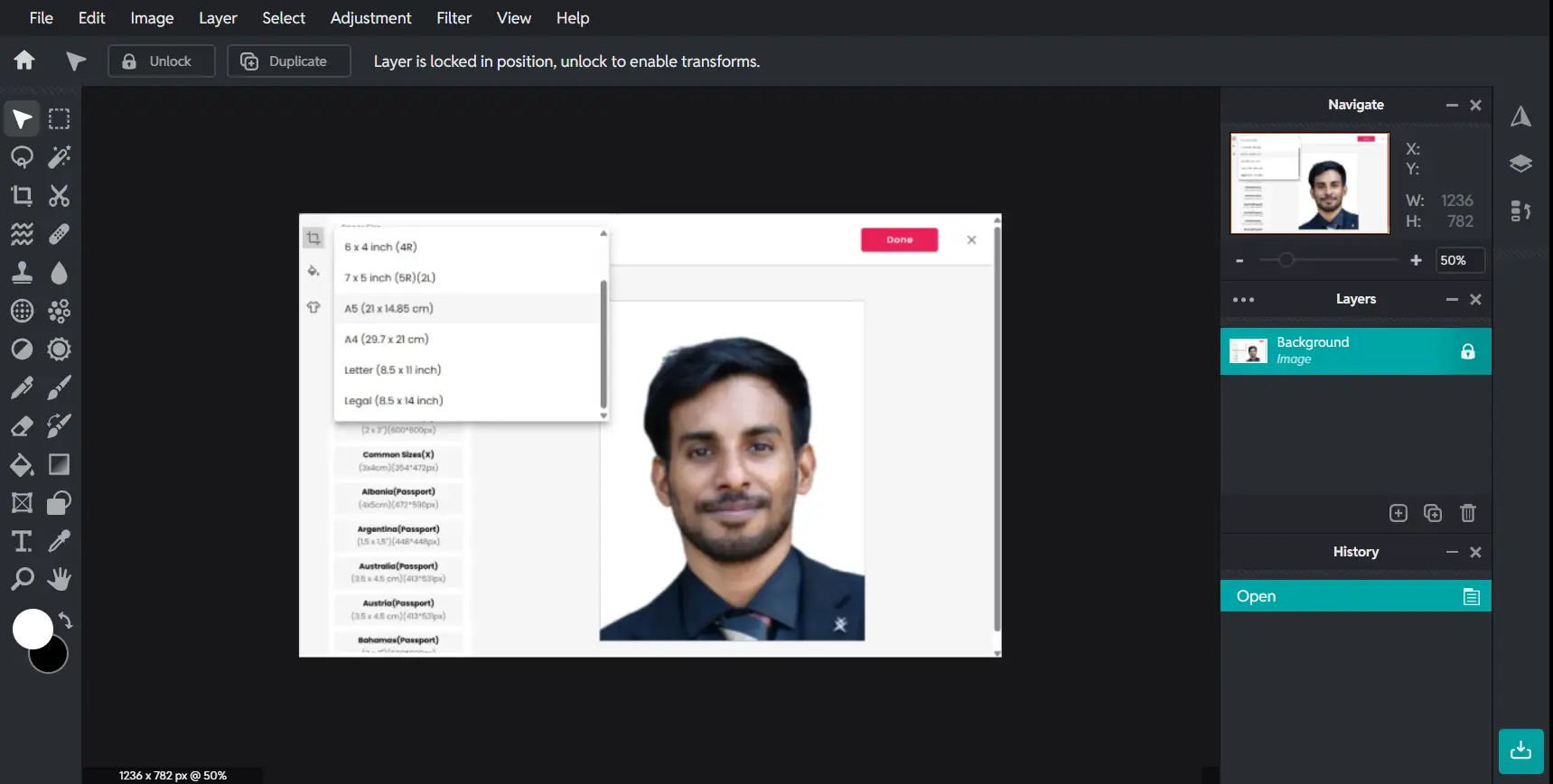
Pixlr Editor is a powerful online photo editing tool that works directly in your browser. It offers advanced features like layers, filters, and AI tools, making it a great alternative to Photoshop.
Whether you're editing simple images or creating complex designs, Pixlr Editor gives you full control with an easy-to-use interface—no download or sign-up required.
Editor Highlights
Key Features
Advanced Photo Editing
Adjust brightness, contrast, exposure, shadows, and colors with professional-level controls.
Layer-Based Editing System
Work with multiple layers to create complex designs and compositions like Photoshop.
AI Background Remover
Remove backgrounds instantly using powerful AI tools with one click.
Text and Design Tools
Add text, fonts, shapes, and overlays to create social media graphics and designs.
Filters & Effects
Apply creative filters, overlays, and effects to enhance your images instantly.
PSD File Support
Open and edit Photoshop PSD files directly in Pixlr Editor.
What Can You Do?
Edit Photos Online
Enhance images with brightness, contrast, color correction, and advanced adjustments.
Create Social Media Graphics
Design thumbnails, Instagram posts, banners, and marketing visuals easily.
Remove Backgrounds
Use AI tools to cut out backgrounds and create clean images for design or e-commerce.
Design Posters & Ads
Build professional posters, ads, and creative designs using layers and effects.
Who Is It For?
Content Creators
Create engaging social media visuals and thumbnails quickly.
Students & Beginners
Learn photo editing with an easy-to-use and accessible interface.
Graphic Designers
Use advanced tools like layers and effects for professional work.
Businesses & Marketers
Design promotional content, ads, and product images efficiently.
Benefits
No Installation Needed
Use Pixlr Editor directly in your browser without downloading software.
Free & Accessible
Start editing instantly with free tools available online.
Works on All Devices
Compatible with desktop, tablet, and mobile browsers.
Beginner to Pro Friendly
Simple enough for beginners, powerful enough for professionals.
How to Use Pixlr Editor
Open Pixlr Editor in your browser
Upload an image or start a new design
Edit using tools like layers, filters, and AI features
Export or download your final image
Start Editing with Pixlr Editor
Open Pixlr Editor now and edit your images instantly online.
Launch Pixlr Editor