
Create Stunning Collages with PhotoJoiner
Free Online Photo Joiner & Collage Maker
PhotoJoiner is a powerful yet simple online tool that lets you create beautiful photo collages and combine multiple images effortlessly. Whether you want to stitch photos into a panorama or design eye-catching social media collages, PhotoJoiner makes the process fast and enjoyable.
With thousands of free templates, stickers, backgrounds, and editing features, PhotoJoiner gives you complete creative freedom. No design experience is required—just upload your photos and start creating in seconds.
Key Highlights
Core Features of PhotoJoiner
Collage Maker
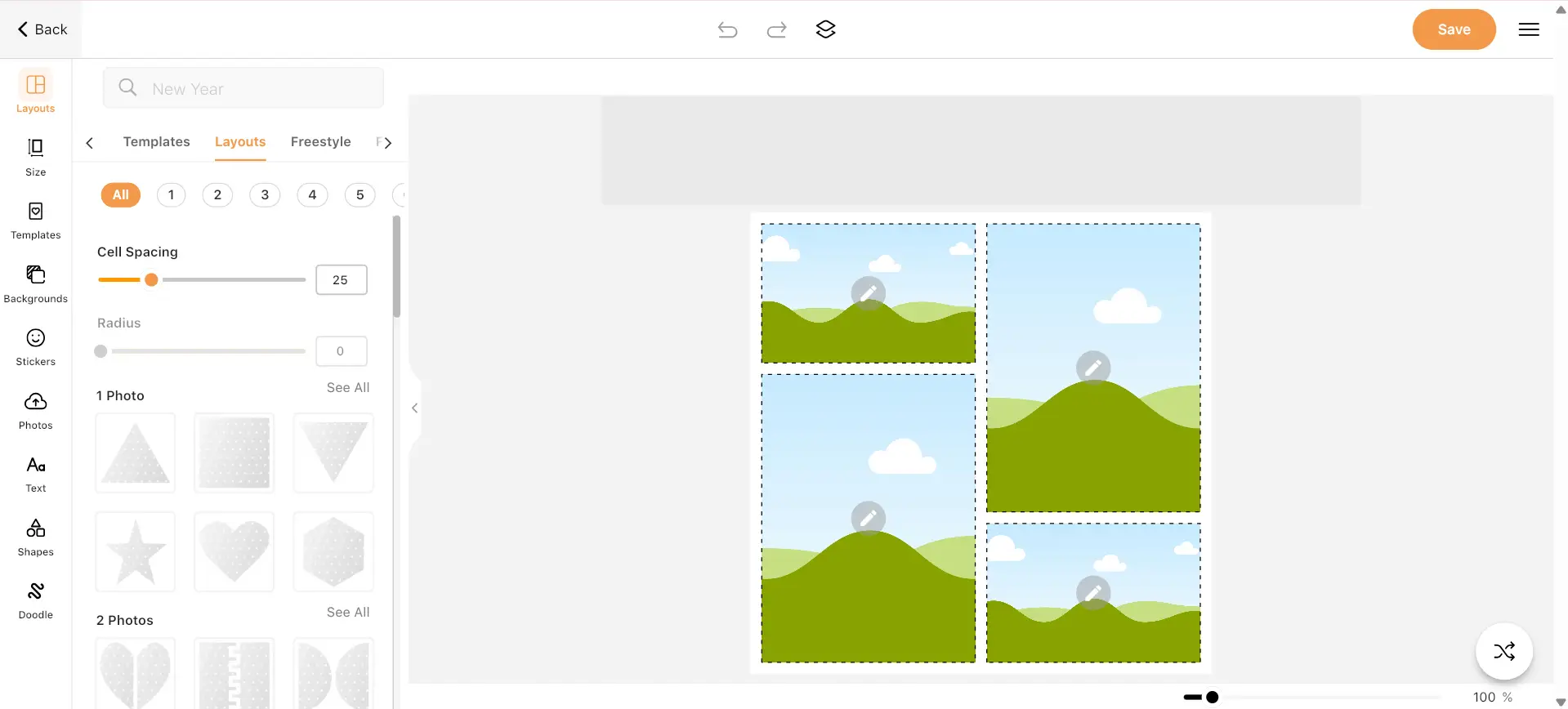
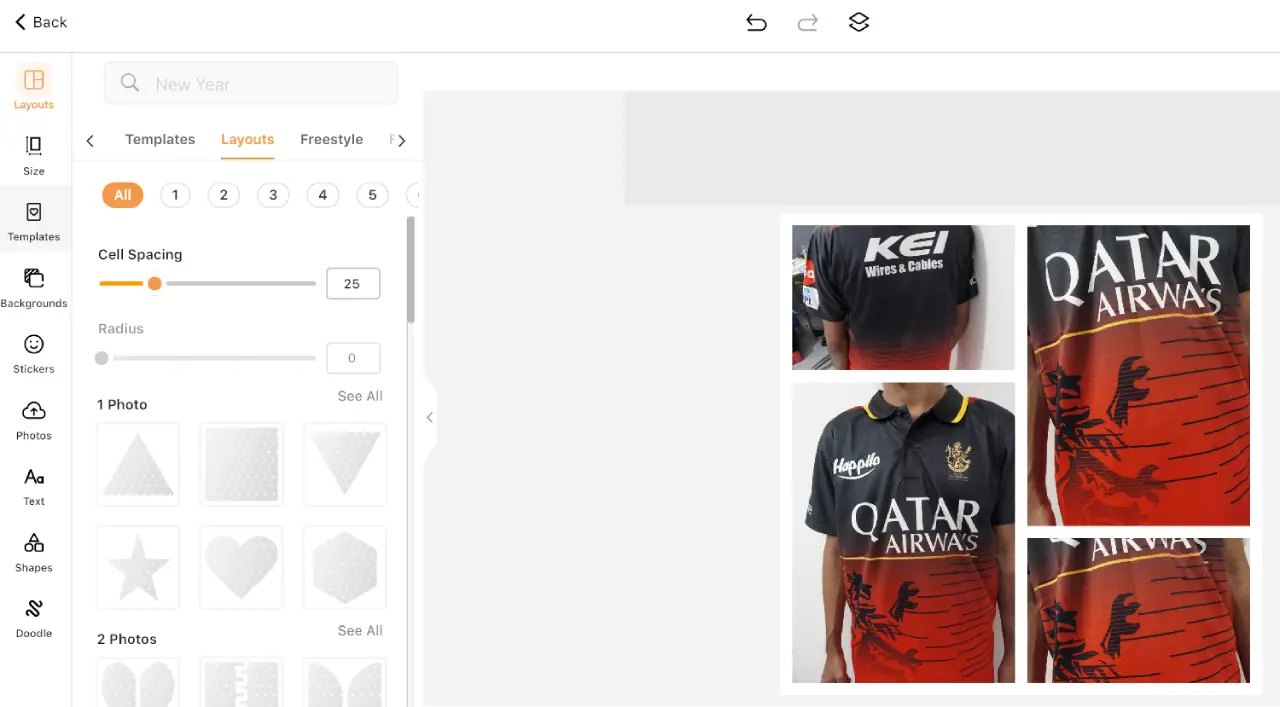
Create visually appealing collages using customizable grids, layouts, and templates. Perfect for storytelling, albums, or social posts.
Photo Joiner Tool
Easily stitch two or more images together either horizontally or vertically. Ideal for panoramas or before-and-after comparisons.
Text & Stickers
Add stylish text, fun stickers, and creative elements to personalize your designs and make them unique.
Background Customization
Adjust background colors, patterns, borders, and spacing to enhance the overall look of your collage.
Photo Filters & Effects
Apply filters and visual effects to improve your photos and maintain a consistent aesthetic across your collage.
Flexible Canvas Size
Resize your collage canvas to fit different platforms or custom dimensions without losing quality.
Why Choose PhotoJoiner?
Beginner-Friendly Interface
PhotoJoiner is designed to be simple and intuitive, allowing anyone to create professional-looking collages without prior experience.
Versatile Photo Editing
From stitching photos to applying filters and adding text, PhotoJoiner provides all essential tools in one place.
Perfect for Social Media
Create collages optimized for Instagram, Facebook, Twitter, and other platforms with perfect sizing options.
Creative Freedom
Customize every detail with stickers, doodles, backgrounds, and layouts to match your personal style.
Popular Use Cases
Social Media Posts
Design engaging Instagram posts, Facebook covers, or Twitter visuals with ease.
Photo Storytelling
Combine multiple photos to tell a story or highlight a journey in a single image.
Before & After Comparisons
Show transformations clearly by placing images side by side.
Panorama Creation
Merge multiple photos into a wide panoramic image seamlessly.
Who Is PhotoJoiner For?
Content Creators
Perfect for bloggers, influencers, and marketers who need quick and attractive visuals.
Students & Casual Users
Great for school projects, personal memories, and fun photo editing.
Photographers
Useful for combining shots or showcasing multiple angles in one frame.
Small Business Owners
Create promotional graphics and product showcases without hiring a designer.
Benefits of Using PhotoJoiner
No Installation Needed
Works directly in your browser without downloading any software.
Fast & Efficient
Create and export collages in minutes with smooth performance.
Creative Control
Customize layouts, spacing, borders, and visual elements exactly how you want.
Completely Free
Enjoy essential collage-making tools without subscriptions or fees.
How to Use PhotoJoiner
Open the PhotoJoiner tool in your browser.
Upload the photos you want to combine or use in a collage.
Choose a layout or stitching style (horizontal or vertical).
Customize with text, stickers, filters, and backgrounds.
Adjust spacing, borders, and canvas size as needed.
Download your final image instantly.
Start Creating with PhotoJoiner Now
Combine photos, design stunning collages, and bring your creative ideas to life—all in one easy-to-use online tool.
Create Your Collage