
iPiccy – Photo Editor, Collage Maker & Graphic Designer
Everything you need to edit photos, create collages, and design graphics online
iPiccy is a powerful online photo editor, collage maker, and graphic design tool that helps you create stunning visuals easily. It offers a wide range of tools for editing, retouching, and designing—all in one place.
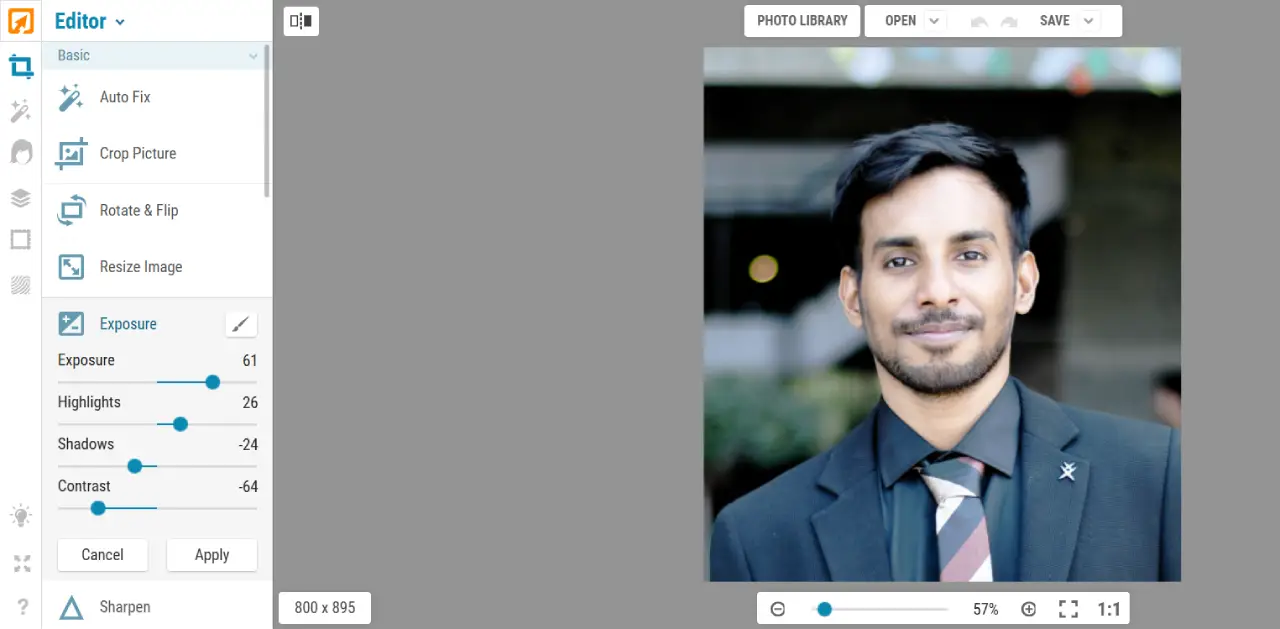
With iPiccy Photo Editor, you can auto-adjust photos, crop, resize, apply effects, retouch portraits, and create eye-catching collages and designs directly in your browser.
Editor Highlights
Key Features
Photo Editor Tools
Crop, resize, rotate, and adjust images with precision.
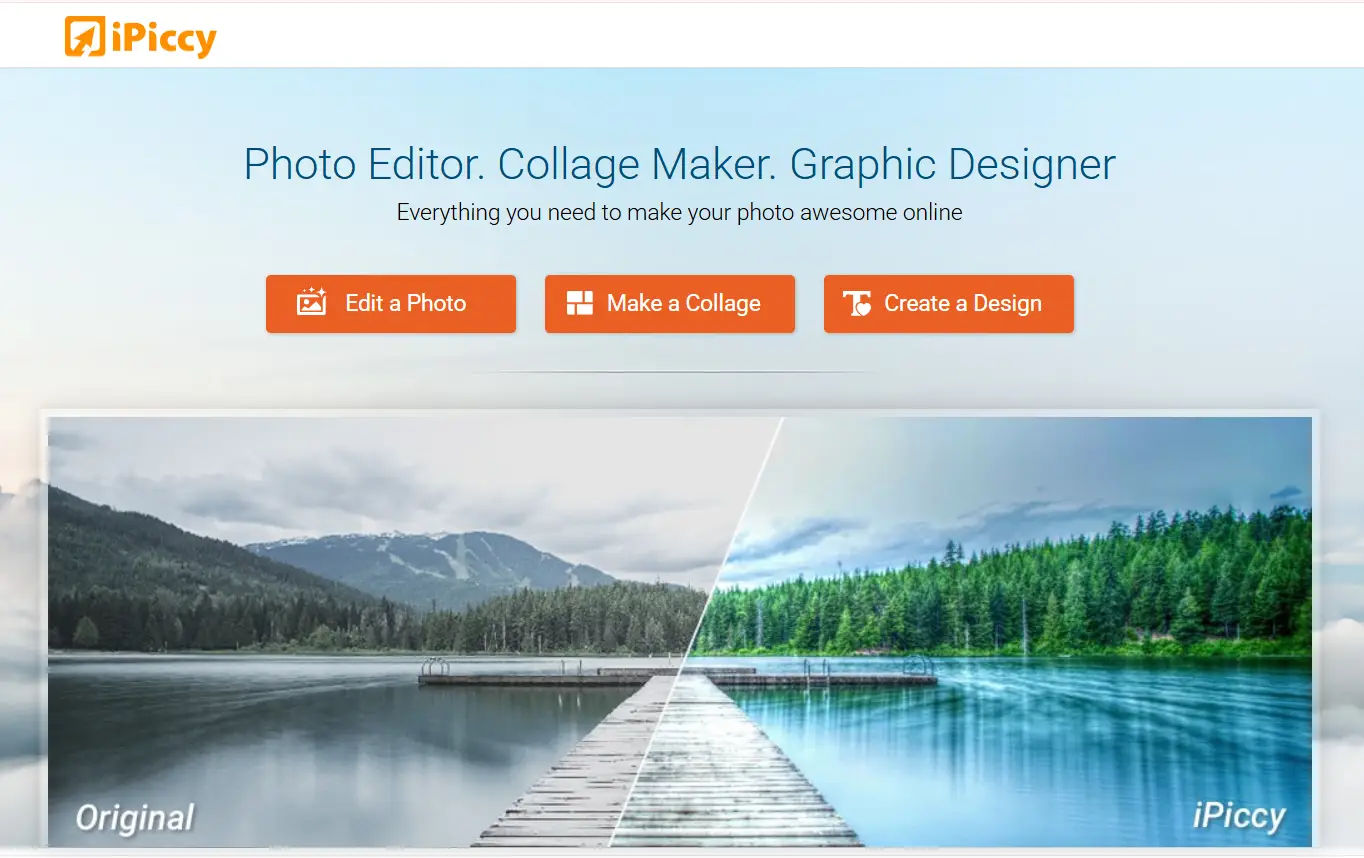
Auto Photo Enhancement
Improve photos instantly with one-click auto adjust.
Photo Effects & Filters
Use over 100+ effects and filters to enhance your photos.
Portrait Retouching
Enhance faces with skin smoothing and facial adjustments.
Collage Maker
Create collages with customizable templates and layouts.
Graphic Design Editor
Add text, overlays, and stickers to create designs.
Background & Layout Control
Customize background colors, spacing, and layout styles.
Frames & Borders
Add stylish frames and borders to your photos.
Why Use iPiccy?
All-in-One Tool
Edit photos, create collages, and design graphics in one platform.
One-Click Auto Fix
Automatically enhance photos instantly with smart adjustments.
Powerful Effects
Apply 100+ photo effects, filters, and enhancements.
Easy Collage Maker
Create beautiful collages with customizable templates and layouts.
Graphic Design Tools
Add text, overlays, stickers, and create unique designs.
No Installation
Use directly in your browser without downloading software.
User-Friendly Interface
Simple tools that are easy for beginners and powerful for pros.
Fast Editing
Edit photos quickly with smooth and responsive tools.
Free to Use
Enjoy powerful editing tools without paying.
What Can You Do?
Edit Photos Online
Adjust colors, crop images, and enhance quality.
Create Photo Collages
Combine multiple photos into creative layouts.
Design Graphics
Create posters, social media images, and custom designs.
Apply Photo Effects
Use filters and enhancements to improve images.
Retouch Portraits
Enhance faces and improve portrait photos.
Who Is It For?
Beginners
Easy tools for quick and simple editing.
Students
Perfect for projects and creative work.
Content Creators
Create social media posts and visuals.
Designers
Use advanced tools for creative designs.
Benefits
All-in-One Platform
Edit, design, and create in one place.
No Installation Needed
Works directly in your browser.
Fast & Easy
Quick editing with simple tools.
Free Access
Use powerful features without cost.
How to Use iPiccy
Open iPiccy editor in your browser
Upload your image or start a design
Apply edits, effects, or create a collage
Download or share your final image
Start Using iPiccy
Edit photos, create collages, and design graphics online for free.
Launch iPiccy Editor