
Create Photo Collages Online for Free
Free online photo collage maker with templates, auto layout, drag and drop editing and secure browser-based design
Collage Maker is a powerful and easy-to-use online photo collage maker that allows you to create beautiful collages without uploading your images. This browser-based collage editor keeps your photos private while delivering fast and smooth performance.
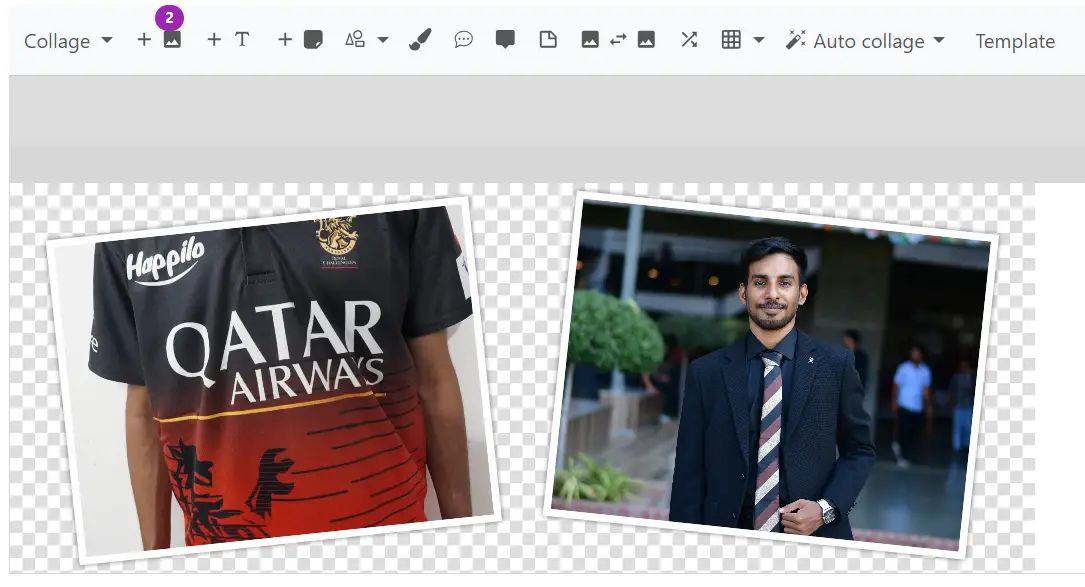
You can arrange photos freely on a canvas, use an automatic collage generator, or select from a wide range of pre-designed templates. Add text, stickers, shapes and export your collage in high resolution for social media, printing or personal use.
Key Highlights
Main Features
Drag & Drop Photo Upload
Easily add images or entire folders using drag and drop. Supports multiple formats including JPG, PNG, WebP and more.
Auto Collage Generator
Automatically create balanced collage layouts in seconds using the smart auto collage feature.
Pre-made Templates
Choose from various ready-to-use collage templates designed for social media, printing and creative layouts.
Text, Stickers & Shapes
Add creative elements like text, emojis, stickers, speech bubbles and shapes to personalize your collage.
Photo Editing Tools
Move, rotate, flip, resize and swap images easily within your collage canvas.
Save Projects & Continue Later
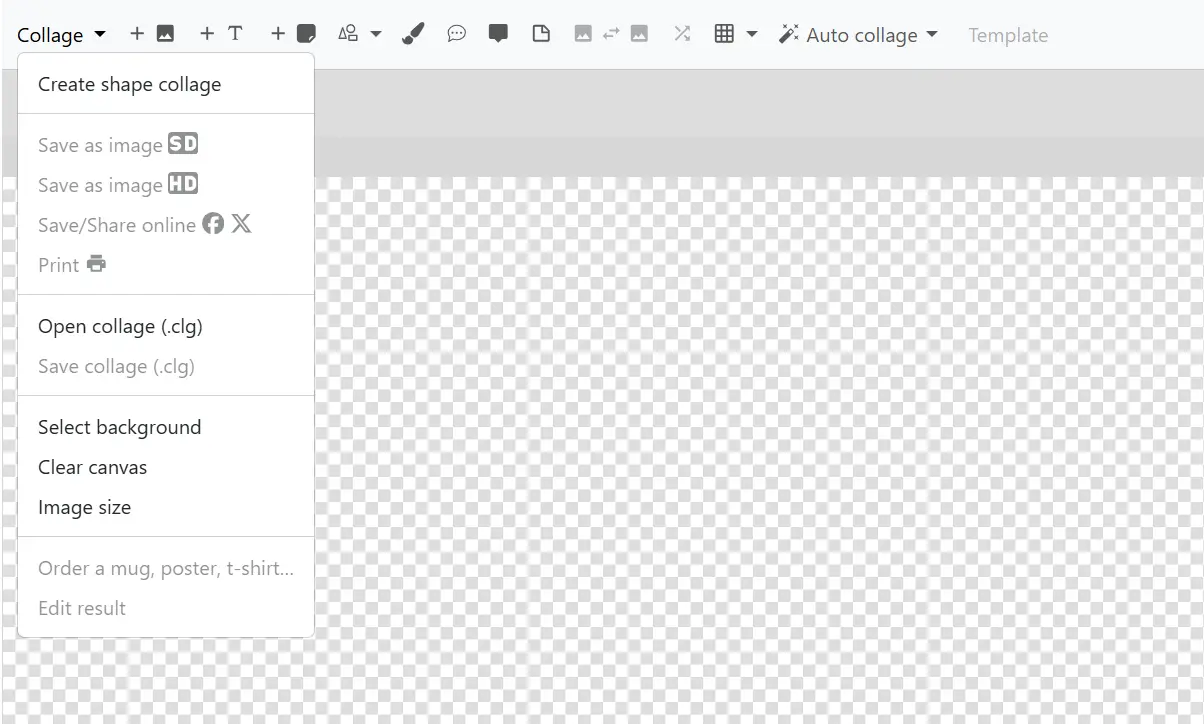
Save your collage as a project file and reopen it anytime to continue editing without losing progress.
Why Use This Collage Maker?
Private & Secure Editing
Unlike many online tools, this collage maker works entirely in your browser. Your photos are never uploaded or stored, ensuring complete privacy and security.
No Registration Required
You can start creating photo collages instantly without signing up, creating an account or installing any software.
Simple and Beginner Friendly
The interface is clean and easy to use, making it perfect for beginners who want to create collages quickly without learning complex tools.
Flexible Collage Layouts
Choose between free-form layouts, auto collage generator or ready-made templates depending on your design needs.
Advanced Customization
Adjust photo shapes, borders, spacing and layout positioning with advanced options and keyboard shortcuts.
Completely Free
Enjoy unlimited access to all features without any hidden costs or premium restrictions.
What Can You Create?
Photo Collages
Combine multiple photos into a single creative collage for memories, events or storytelling.
Social Media Graphics
Create Facebook covers, Instagram posts, Twitter headers and other social media visuals.
Printable Designs
Download high-resolution collages suitable for printing posters, albums or cards.
Memory Albums
Turn travel photos, events or personal moments into visually appealing collage layouts.
Creative Art Projects
Design unique visual compositions using shapes, stickers and free-form layouts.
Portfolio Displays
Showcase multiple images in a single layout for presentations or portfolios.
Who Is It For?
Beginners
No design experience needed, just upload photos and start creating instantly.
Students
Perfect for school assignments, creative projects and presentations.
Content Creators
Create engaging social media content quickly and efficiently.
Photographers
Display multiple shots in one layout for portfolios or clients.
Benefits
No Upload Required
All editing happens locally in your browser, keeping your files private.
Fast Performance
No server delay, everything works instantly in real-time.
Flexible Design Options
Switch between auto layouts, templates or manual editing freely.
High Quality Output
Download your finished collage in high resolution for any use.
How to Use Collage Maker
Upload photos or drag and drop a folder
Arrange images manually or use auto collage
Customize with text, shapes, stickers and layouts
Save your collage or download it in HD
Start Creating Your Photo Collage
Use this free online collage maker to design stunning photo collages quickly and easily.
Launch Collage Maker