
Fotoramio: Free Online Photo Editor
Edit, Enhance, and Transform Your Photos Instantly
Fotoramio is a powerful free online photo editor that offers a wide range of tools to edit, enhance, and transform your images directly in your browser. From basic adjustments like crop and resize to advanced features like filters, overlays, frames, and text, everything is available in one place.
You can also create stunning photo collages, convert images into artistic styles, and remove backgrounds using AI-powered tools. No downloads required — start editing your photos instantly on any device.
Key Highlights
Features of Fotoramio
Basic Editing Tools
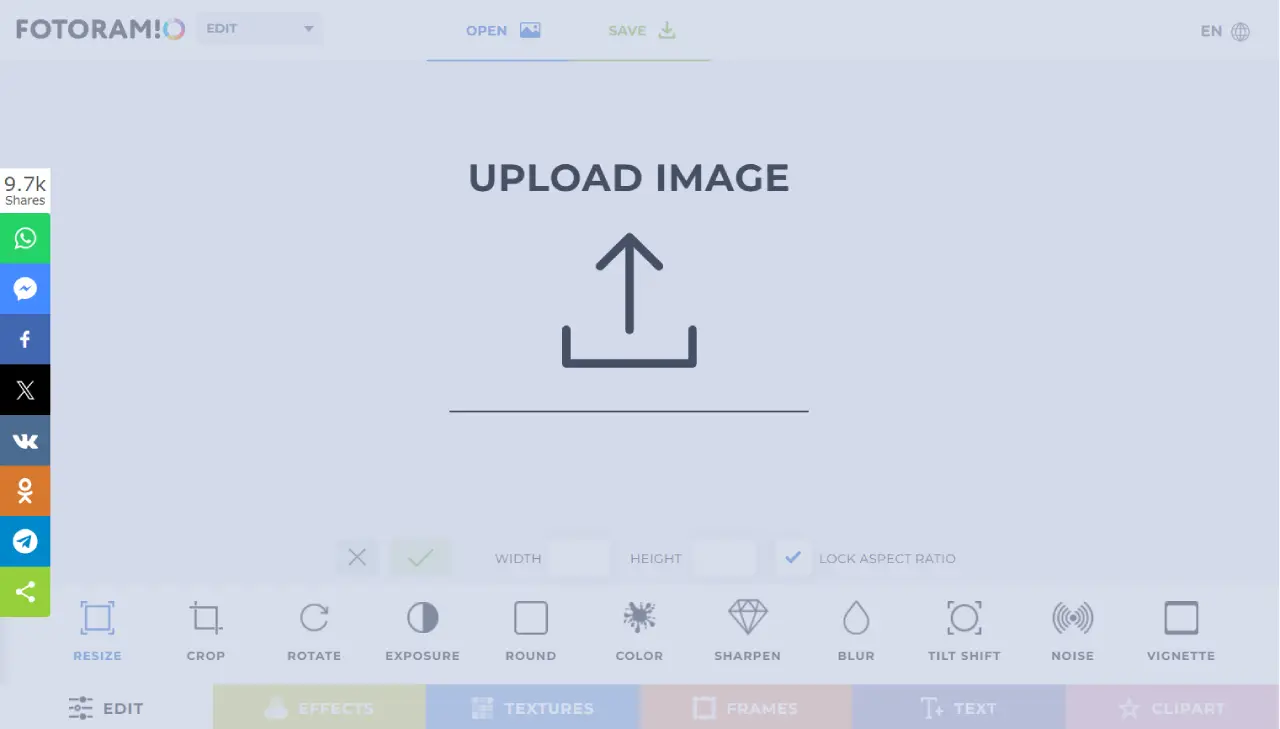
Resize, crop, rotate, flip images, adjust brightness, contrast, hue, blur, vignette, and more.
Filters & Effects
Apply stylish filters, textures, and overlays to give your photos a unique look.
Frames, Text & Clipart
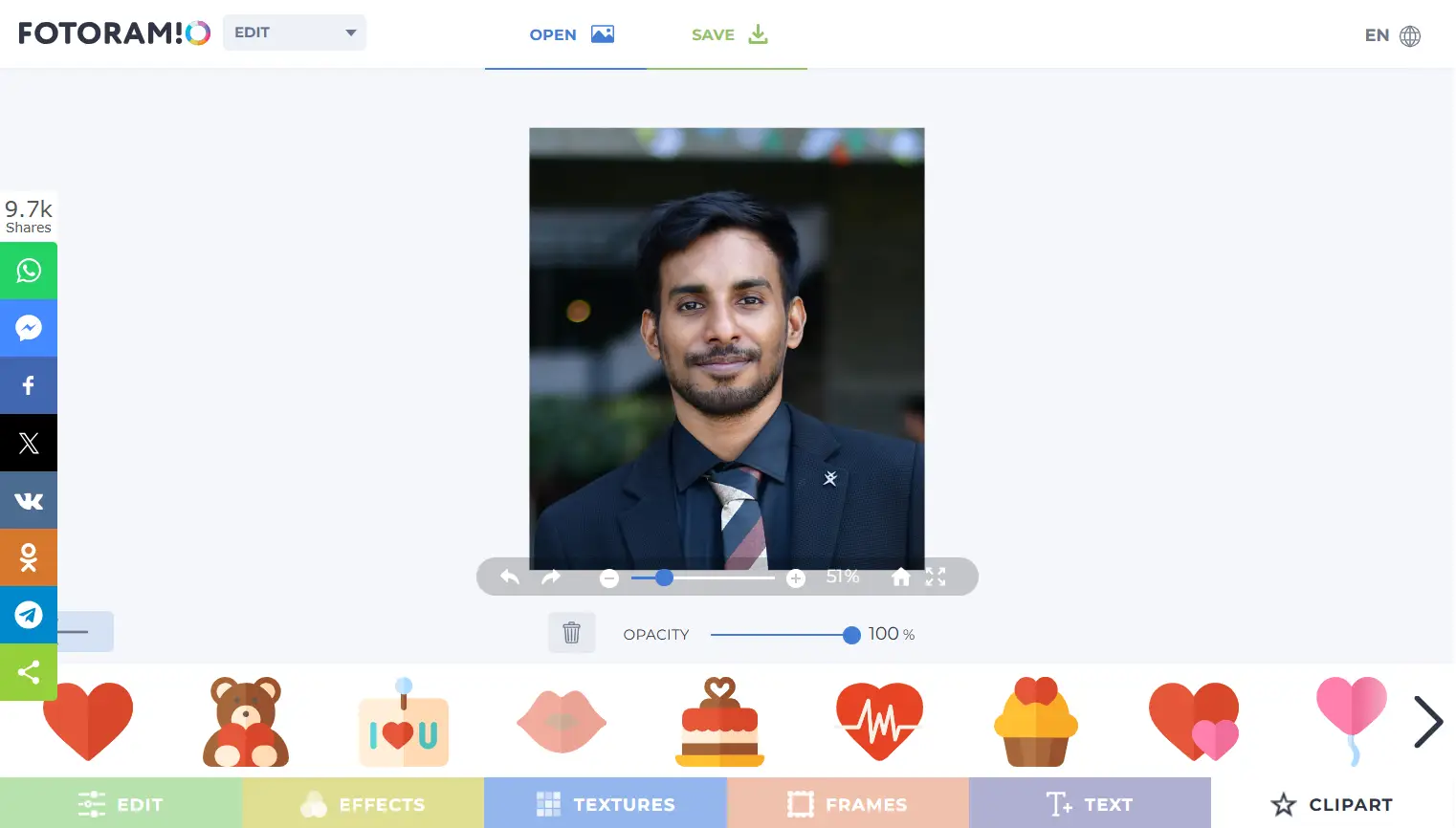
Add creative frames, stylish fonts, and fun clipart to enhance your images.
Collage Maker
Create stunning collages with customizable layouts, borders, backgrounds, and elements.
Photo to Art
Transform your images into artistic paintings using neural network-based styles.
Background Remover
Remove image backgrounds instantly with AI-powered automatic processing.
Why Use Fotoramio?
All-in-One Photo Editor
Edit photos, create collages, apply effects, and remove backgrounds from one platform.
Beginner Friendly
Simple interface makes it easy for anyone to edit photos without experience.
No Installation Needed
Runs directly in your browser on desktop and mobile devices.
Fast & Secure
Your photos are not stored, ensuring privacy and fast performance.
Popular Use Cases
Social Media Editing
Create eye-catching images for Instagram, Facebook, and other platforms.
Marketing & Ads
Design promotional visuals, banners, and product images quickly.
Personal Photo Enhancement
Improve everyday photos with filters, effects, and adjustments.
Creative Projects
Turn photos into art or design collages for creative storytelling.
Who Should Use It?
Beginners
Easy tools for anyone starting with photo editing.
Content Creators
Perfect for bloggers, influencers, and social media creators.
Students
Useful for projects, presentations, and creative assignments.
Businesses
Create quick visuals for branding, marketing, and eCommerce.
Benefits of Using Fotoramio
Save Time
Quick editing tools reduce time spent on photo processing.
No Cost
Access powerful editing features completely free.
Cross-Device Access
Use it on desktop, tablet, or mobile browsers anytime.
Creative Freedom
Experiment with styles, effects, and artistic transformations.
How to Use Fotoramio
Open the Fotoramio editor in your browser
Upload your photo from your device
Choose editing tools like crop, filters, or text
Apply changes and customize your image
Download or share your edited photo
Start Editing with Fotoramio Now
Enhance your photos, create collages, and remove backgrounds instantly with this powerful free online editor.
Edit Photo Now