
FotoFlexer – Simple & Powerful Online Photo Editor
Edit photos easily with filters, effects, and essential tools directly in your browser
FotoFlexer is a free, easy, and powerful online photo editor that allows you to edit images directly in your browser without installing any software. It offers one-click tweaks along with essential and advanced editing tools.
With FotoFlexer Online Photo Editor, you can resize, crop, rotate, apply filters, add text, shapes, stickers, and frames, making photo editing fast and accessible for everyone.
Editor Highlights
Key Features
Resize & Crop
Adjust image size and crop photos easily.
Rotate & Transform
Rotate, flip, and transform images quickly.
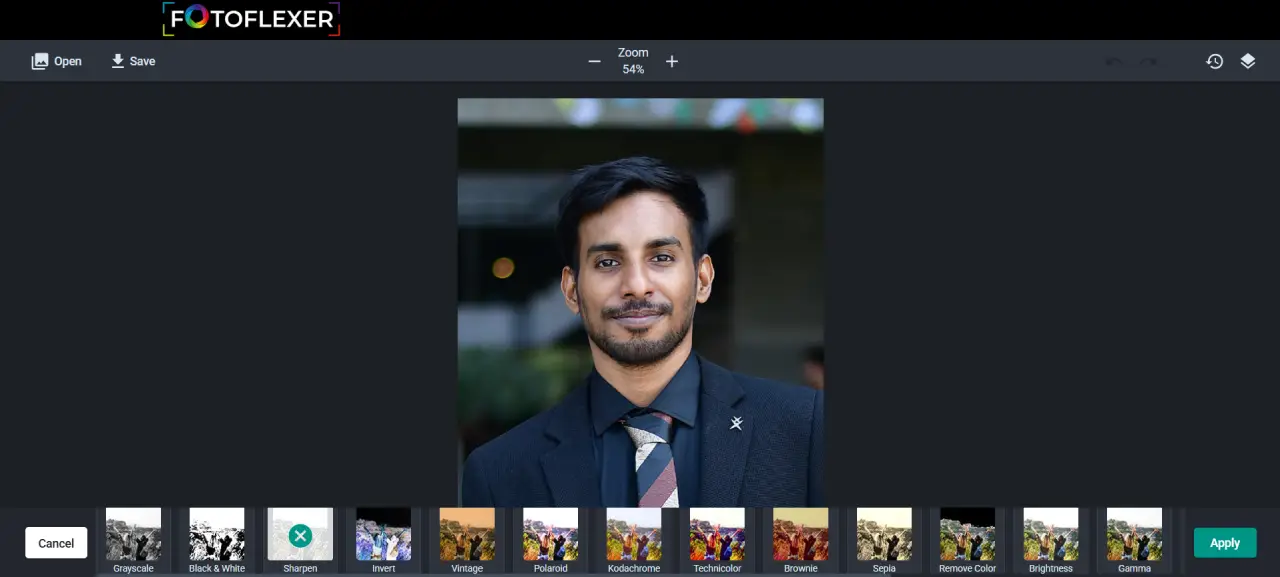
Filters & Effects
Apply photo filters and visual effects instantly.
Text & Shapes
Add text, shapes, and creative elements.
Stickers & Frames
Decorate photos with stickers and frames.
Drawing Tool
Draw directly on your images.
Why Use FotoFlexer?
No Installation Needed
Edit photos directly in your browser without downloading software.
Simple Interface
Clean and user-friendly design for beginners and casual users.
Fast Editing
Apply filters, resize, and crop images in seconds.
Basic & Advanced Tools
Includes essential tools with plans for more advanced features.
Accessible Anywhere
Edit photos from home, work, or anywhere online.
Free to Use
Core editing features are available at no cost.
What Can You Do?
Edit Photos Online
Quickly enhance and adjust your images.
Apply Effects
Use filters and effects to improve visuals.
Create Fun Designs
Add stickers, frames, and text.
Prepare Images
Resize and crop for social media or web use.
Who Is It For?
Beginners
Simple tools with no learning curve.
Students
Quick edits for assignments and projects.
Content Creators
Create basic visuals and social media images.
Casual Users
Edit photos easily without complex software.
Benefits
Easy to Use
Simple interface for fast editing.
Browser-Based
No downloads or installations required.
Fast Processing
Quick edits and instant results.
Free Access
Use core features without cost.
How to Use FotoFlexer
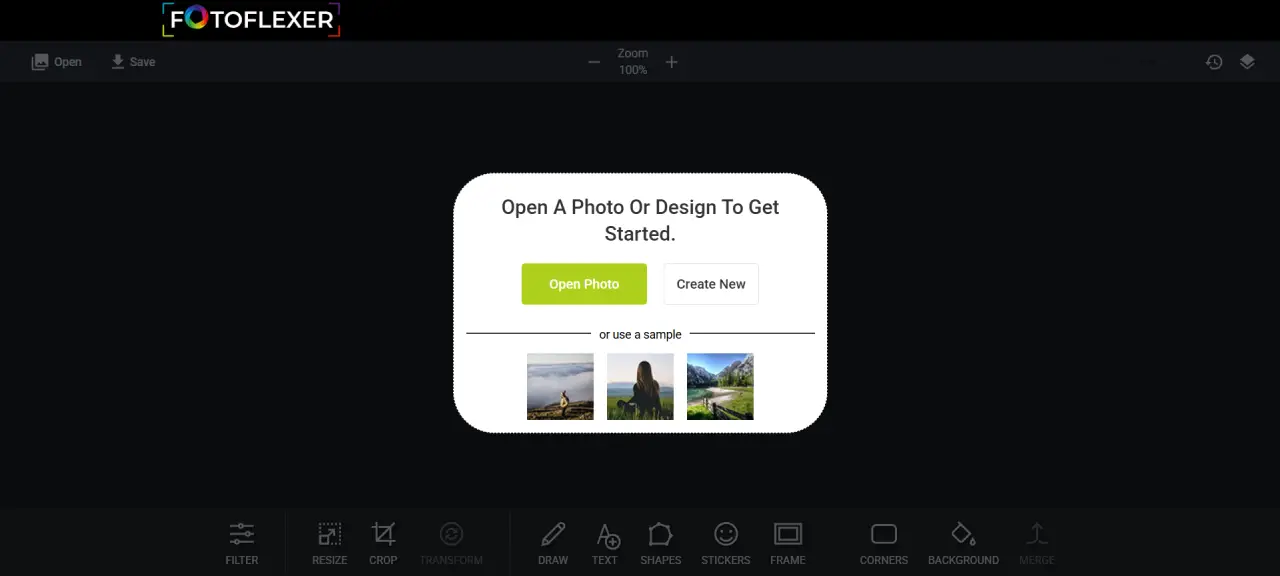
Open FotoFlexer editor in your browser
Upload your photo
Apply edits, filters, and tools
Download your edited image
Start Using FotoFlexer
Edit photos online quickly and easily with a simple and powerful editor.
Launch FotoFlexer Editor