
Fotor – Online Photo Editor & AI Design Tool
Edit photos, enhance images with AI, and create designs effortlessly online
Fotor is a powerful online photo editor and AI design tool that helps you edit photos, create graphics, and generate AI images easily. It combines professional editing features with simple tools for all users.
With Fotor Online Photo Editor, you can enhance images, remove backgrounds, retouch portraits, apply filters, and even generate AI art—all directly in your browser without installing software.
Editor Highlights
Key Features
Photo Editing Tools
Adjust brightness, contrast, color, and exposure easily.
AI Photo Enhancer
Improve image quality and sharpen details instantly.
AI Background Remover
Remove image backgrounds in one click.
AI Object Remover
Erase unwanted objects from photos easily.
AI Image Generator
Create images from text using AI.
Photo Filters & Effects
Apply stylish filters like vintage, B&W, and more.
Collage Maker
Combine multiple photos into beautiful layouts.
Design Templates
Create social media posts with ready-made templates.
Why Use Fotor?
AI-Powered Editing
Enhance photos, remove backgrounds, and edit images with smart AI tools.
All-in-One Platform
Photo editing, graphic design, and AI image generation in one place.
Easy to Use
Simple interface with powerful features for beginners and professionals.
Batch Editing
Edit multiple photos at once and save time.
AI Image Generator
Turn text into images and create AI art instantly.
Background Remover
Remove backgrounds in seconds with one click.
No Installation
Use directly in your browser without downloading.
Rich Design Assets
Access fonts, stickers, icons, and templates.
Free to Use
Basic tools available without cost.
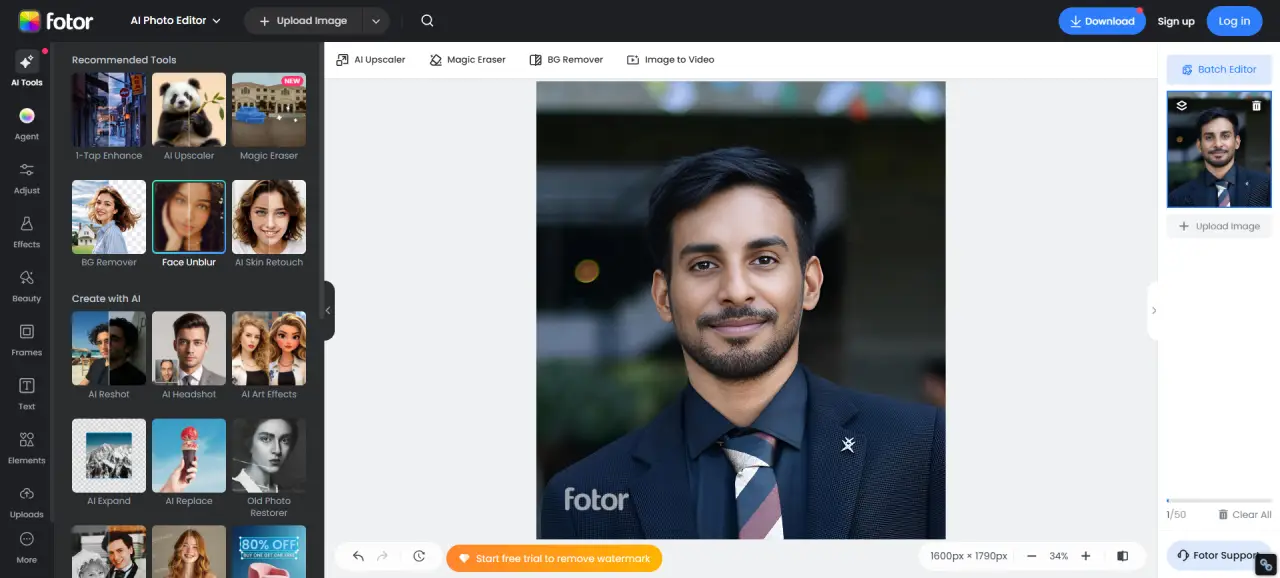
What Can You Do?
Edit Photos Online
Enhance and retouch images quickly.
Remove Background
Make transparent images easily.
Generate AI Art
Create stunning visuals from text prompts.
Create Social Media Designs
Design posts, banners, and thumbnails.
Make Photo Collages
Combine images into creative layouts.
Who Is It For?
Beginners
Simple tools with no learning curve.
Content Creators
Create social media visuals and thumbnails.
Photographers
Enhance and retouch photos professionally.
Designers
Use templates and assets for creative work.
Benefits
All-in-One Tool
Edit, design, and generate images in one place.
AI Automation
Save time with smart editing features.
Fast & Easy
Quick editing with minimal effort.
Cross-Platform
Works on desktop, tablet, and mobile.
How to Use Fotor
Open Fotor online editor in your browser
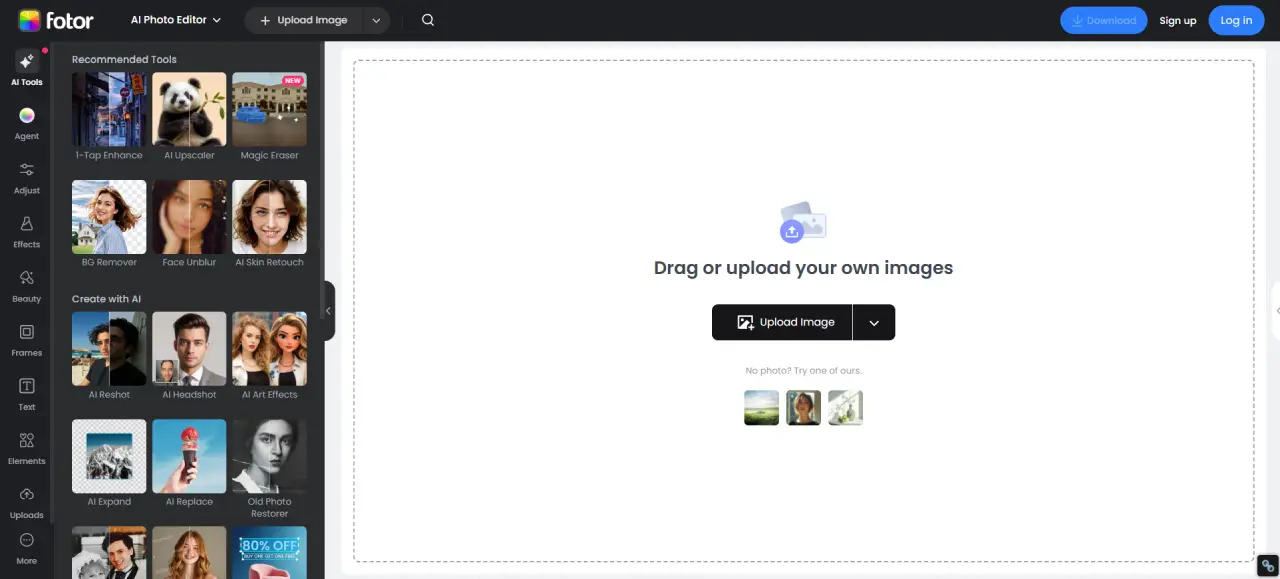
Upload your photo or start a design
Apply edits, AI tools, or effects
Download or share your final image