
Edit Photos Easily with Photovisi
Simple & Powerful Online Photo Editor
Photovisi is an easy-to-use online photo editor designed for anyone who wants quick and beautiful results. Whether you're editing casual photos, social media images, or creative projects, Photovisi provides all the essential tools in one place.
With just a few clicks, you can enhance your photos using filters, stickers, frames, and color adjustments. No advanced skills are required—Photovisi makes photo editing fast, fun, and accessible for everyone.
Key Highlights
Core Features of Photovisi
Photo Filters
Enhance your images instantly with a variety of filters that improve color, tone, and overall visual appeal.
Stickers & Decorations
Add fun stickers and creative elements to personalize your photos and make them stand out.
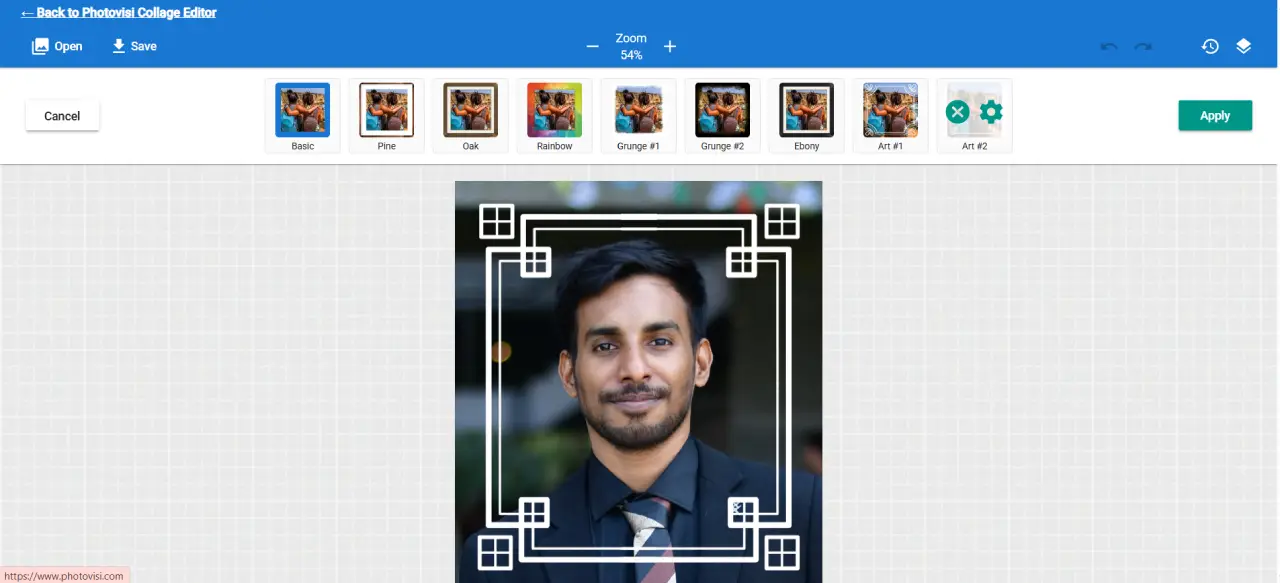
Frames & Borders
Apply stylish frames and borders to give your photos a polished and professional look.
Color Adjustments
Fine-tune brightness, contrast, and color levels to achieve the perfect image balance.
Simple Editing Workflow
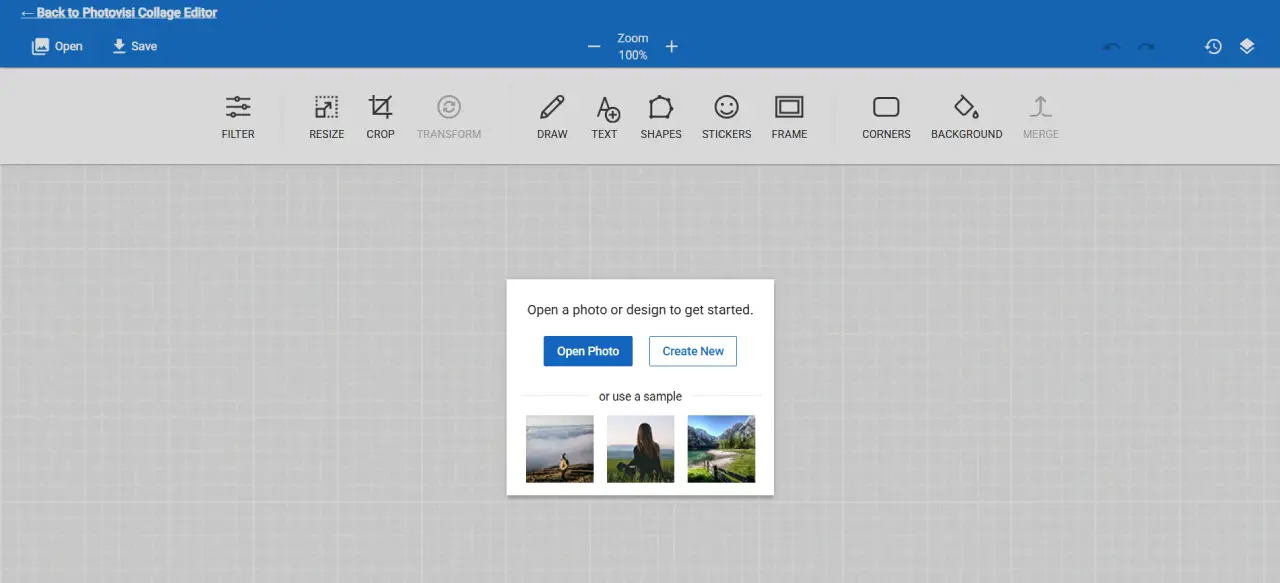
Edit photos in just three steps: upload, customize, and download your finished image.
Fast Export
Download your edited photos instantly without waiting or complicated settings.
Why Choose Photovisi?
Quick & Easy Editing
Photovisi simplifies the editing process so you can enhance your photos in just a few steps without any complexity.
No Design Experience Needed
Anyone can use Photovisi, from beginners to professionals, thanks to its intuitive and clean interface.
All-in-One Photo Editor
From filters and stickers to frames and adjustments, everything you need is available in one place.
Perfect for Everyday Use
Whether it's social media, personal photos, or creative projects, Photovisi fits all editing needs.
Popular Use Cases
Social Media Content
Create eye-catching images for Instagram, Facebook, and other platforms quickly.
Personal Photo Editing
Enhance everyday photos with filters, frames, and adjustments.
Creative Projects
Design unique visuals for blogs, presentations, or digital content.
Quick Image Fixes
Adjust brightness, contrast, or colors to improve photos instantly.
Who Is Photovisi For?
Beginners
Perfect for users who want a simple and quick way to edit photos without learning complex tools.
Content Creators
Ideal for influencers, bloggers, and marketers who need fast and attractive visuals.
Students
Useful for school projects, presentations, and creative assignments.
Casual Users
Great for anyone looking to improve their photos for personal use.
Benefits of Using Photovisi
No Installation Required
Use the editor directly in your browser without downloading software.
Fast & Efficient
Edit and export images quickly without delays.
User-Friendly Interface
Simple layout ensures a smooth editing experience for all users.
Accessible Anywhere
Edit photos from any device, anytime, anywhere.
How to Use Photovisi
Open the Photovisi photo editor in your browser.
Upload a photo from your device.
Apply filters, stickers, frames, and adjustments.
Customize the image to your liking.
Download your edited photo instantly.
Start Editing with Photovisi Today
Enhance your photos in seconds with an easy-to-use online editor. No skills required—just upload, edit, and download.
Edit Your Photo Now